
 English
  Français
  Italiano
  Español
  Português
  Deutsch
 One click access
Login to any of your clients’ websites with one click. No more spreadsheets. No need to remember usernames and passwords. Bliss!
- No usernames or passwords
- Super secure
Glow is really easy to use and has been simple to integrate into our current processes (making things faster and therefore more profitable).

Elise, Web Designer, Unbranded Digital
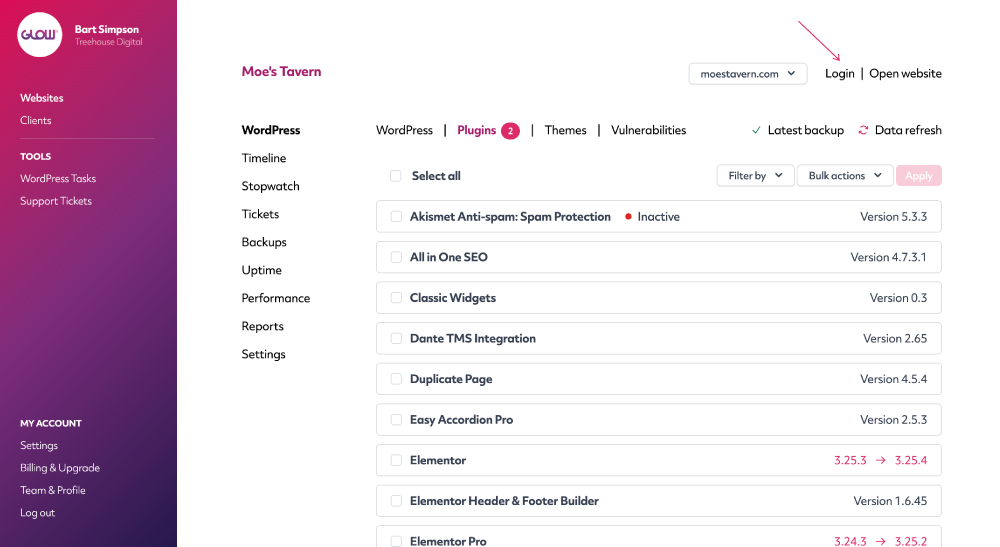
Login to your client’s website with one click
Click the Login link in the Client Area for any of your clients and you’ll be taken straight into the WordPress dashboard.
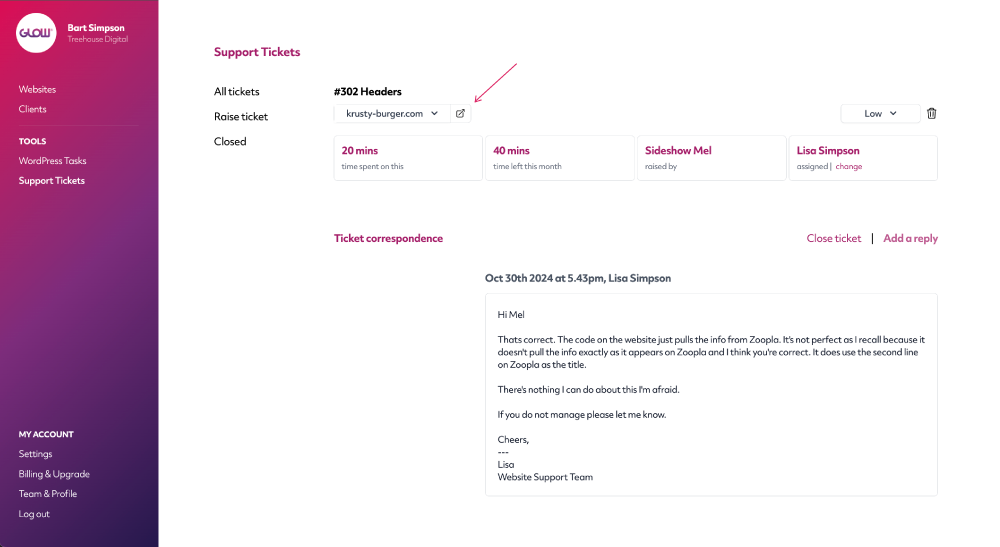
Login from a support ticket
Super handy, quick login to your client’s website. You regularly need to access their site when you’re resolving a support issue.
One click. Done. Lovely.
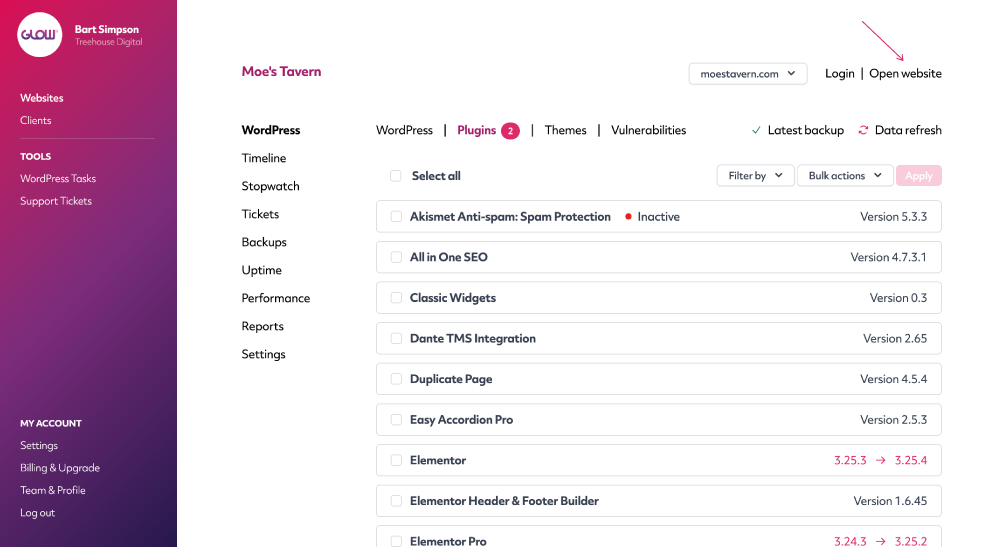
View the website frontend in one click
Use the Open website link to open the frontend of your client’s website in a new tab.
Digital agency and web development teams trust Glow:

WordPress Management Tools

WordPress Management Tools

WordPress Management Tools

WordPress Management Tools

FAQs for One Click Access
How does the one click login work?
The login works through Glow’s lightweight plugin, which you install in order to connect your clients’ websites in the first place.
You don’t need to provide Glow with any usernames or passwords for your clients’ websites.
Where in Glow can we login to a client’s website?
You can login to a client’s website from a few places:
- The main Websites screen
- The main Clients screen
- The Website Area
- A support ticket
Other Features
Multiple Sites
Want to save more time? If you have clients who you manage more than one website for, you’ll love Multiple Sites.
More about Multiple SitesSupport ticket system
Still doing customer support by email? Seriously? Our ticket system keeps all your comms in one place. Whoop!
More about Support ticket systemTimeline
After Reports, the best way to prove the value of website maintenance to your clients.
More about Timeline