
 English
  Français
  Italiano
  Español
  Português
  Deutsch
 WordPress Multisites
Connect your client’s Multisite Network in seconds. All activity is recorded in Glow, instantly.
- Automatically syncs with Reports
- All activity recorded instantly
I like how easy it is to navigate Glow. It’s super easy to pull a monthly report to share with our clients and the white labelling aspect is a game changer!

Kasey, Web Support, Jason Hunter Design
Connect an entire Multisite network in seconds
Managing a Multisite network for your client? How many sites? Actually don’t answer that, it doesn’t matter.
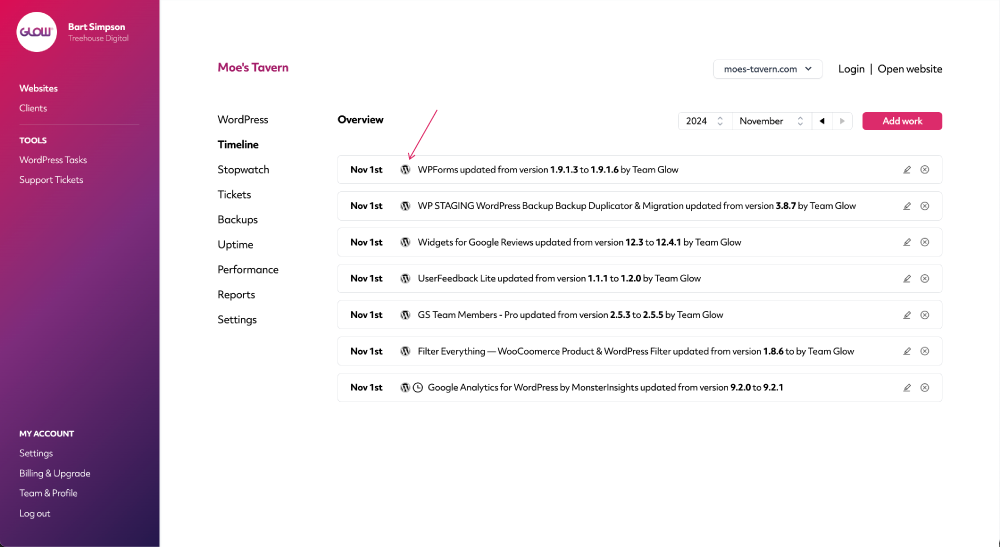
Whether there’s 5, 10 or 50, Glow will connect to the entire network in seconds, making each site available to manage in your account.
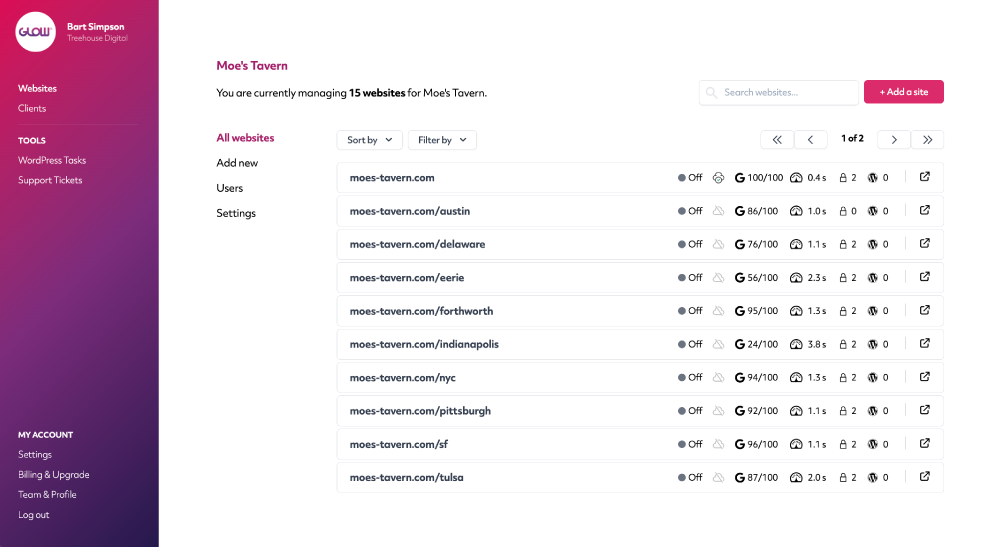
All activity recorded automatically
Got plugins active on some sites and not others? Glow knows, and will only record the activity accordingly for each site.
Install, activate, update, deactivate, delete … go wild … it’ll all get recorded.
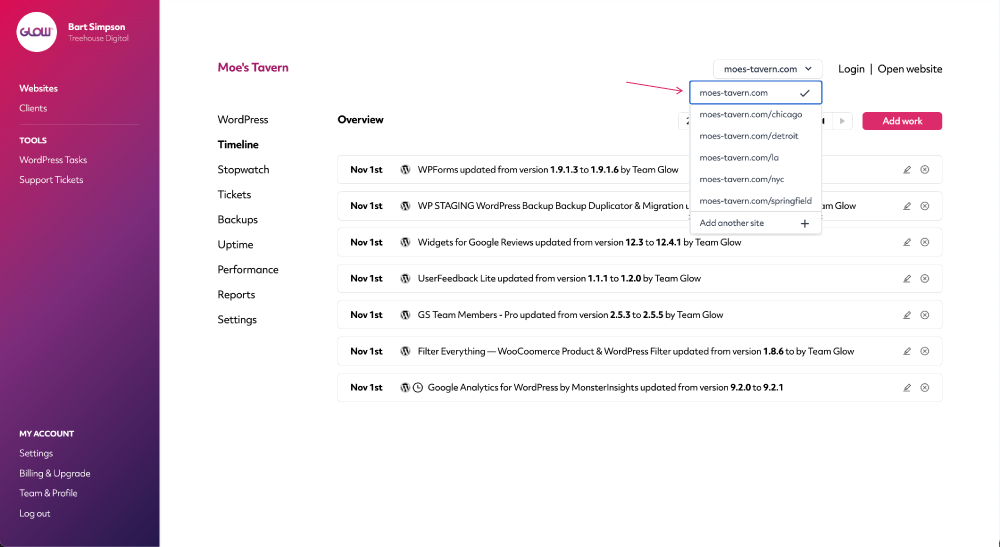
Quickly switch between sites in the network
Use the Website Selector to quickly switch between websites in the same network and view the performance and activity of each.
Digital agency and web development teams trust Glow:

WordPress Management Tools

WordPress Management Tools

WordPress Management Tools

WordPress Management Tools

FAQs for our WordPress Multisites feature
How do we connect a WordPress Multisite network?
The process is pretty much the same as connecting a regular WordPress site. With a Multisite, you connect the Main site in the network and then Glow automatically brings into your dashboard all the other Child sites in the network.
You don’t need to manually add every site in the network.
Can we perform core, plugin & theme updates on Multisites?
You can, however you’ll perform these in WordPress. Glow will still record everything in Timeline for each website in the network.
Other Features
Support ticket system
Still doing customer support by email? Seriously? Our ticket system keeps all your comms in one place. Whoop!
More about Support ticket systemVulnerabilities
Get alerts for security vulnerabilities in WordPress core, plugins and themes running on your clients’ sites.
More about VulnerabilitiesPerformance
Your client wants their website to load quickly. Performance will help you make sure it does.
More about Performance