
 English
  Français
  Italiano
  Español
  Português
  Deutsch
 Team
Create multiple accounts for your team and, because your clients can access Glow too, create them for your clients’ team as well.
- Team collaboration
- Create accounts for clients
- Secure access
We were previously using different tools to manage support and website updates. Having it all in one place with Glow makes life much easier.

Jake, Founder, Saunders Digital
Add your team
Bring all the awesomeness of your team into Glow.
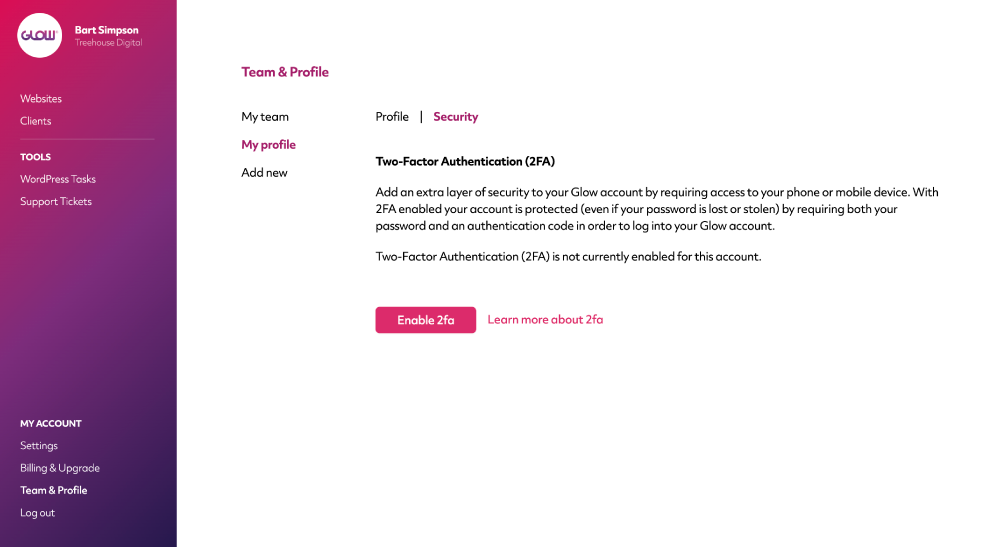
Assign roles to team members, allocate them to client accounts, collaborate on support issues and generally get stuff done.
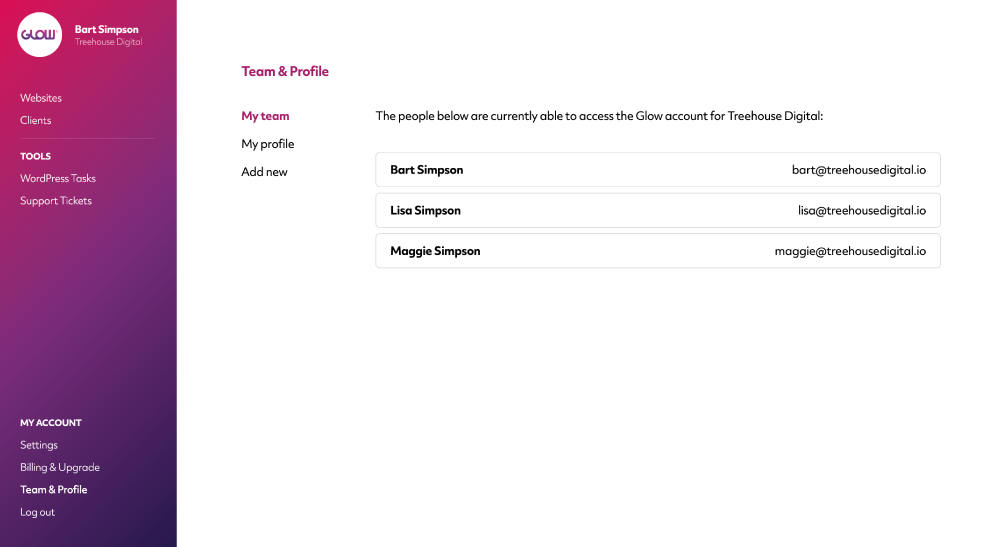
Assign roles to teammates
3 roles to choose from for your team: Owners, Account Managers and Developers. Assign the right people to the right role for better structure on your website maintenance work.
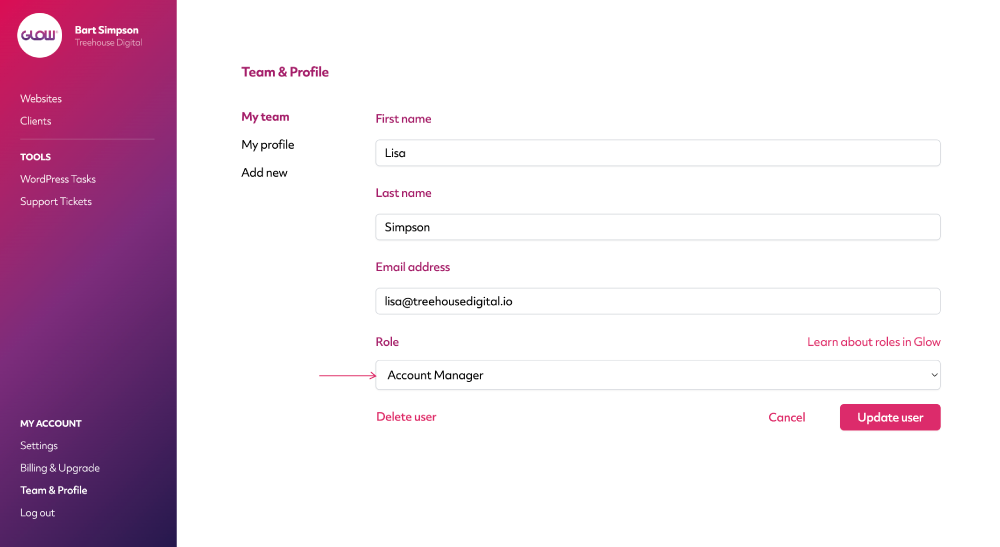
Secure your account with 2FA
Add an extra layer of security to your Glow account by requiring access to your phone or mobile.
With 2FA enabled your account is protected by requiring both your password and an auth code in order to log in.
Digital agency and web development teams trust Glow:

WordPress Management Tools

WordPress Management Tools

WordPress Management Tools

WordPress Management Tools

FAQs for Team & Profile
Is there a limit on the number of team members we can have in our account?
Each plan has a quota for the number of teammates you’re able to add. Once you hit that limit, you pay an extra fee for each subsequent teammate that you add.
Can I limit the access that a particular teammate has?
Glow has 3 roles for teammates:
- Owner (typically the person who opened the Glow account and any other senior level people)
- Account Manager
- Developer
As an Owner, you’re able to customise the access for any of your teammates. As an Account Manager, you’re able to customise the access for teammates with the Developer role. Team members with the Developer role are not able to change the access permissions for anyone else.
Is it possible to restrict teammates to certain websites?
Yes. So, for example, let’s say you have 50 websites in your account. You’ve just onboarded a new teammate or brought in a new freelancer and for now, you only want them to access 10 of those 50 websites. In the Permissions section of that teammates Profile, you can just select those 10 websites and then, when that person logs in, they’ll only see those 10 websites and none of the others. This is completely customisable, anytime.
Do you have 2FA?
Yes. We strongly advise everyone to turn on Two Factor Authentication in their account. It’s available through the Security section of your Profile.
If we remove a teammate, will the activity they’ve recorded be deleted?
No. Whenever you remove a teammate from your account, any activity recorded by them against any of your websites will still remain. This incudes any time they may have recorded through Stopwatch.
Can we set Glow to our local timezone?
Yep! Go to your Profile and select your timezone from the dropdown menu. Glow will then update to show all times in your timezone rather than the default (GMT+00:00 Europe/London).
Other Features
Multiple Sites
Want to save more time? If you have clients who you manage more than one website for, you’ll love Multiple Sites.
More about Multiple SitesWordPress Multisites
Connect your client’s Multisite Network in seconds. All activity is recorded in Glow, instantly.
More about WordPress MultisitesVulnerabilities
Get alerts for security vulnerabilities in WordPress core, plugins and themes running on your clients’ sites.
More about Vulnerabilities